Small and mid-size business owners often approach IT security the same way they approach enterprise IT: as a comprehensive program that requires dedicated staff, sophisticated tools, and significant budget. That framing is incorrect and counterproductive. The businesses that survive cyberattacks are not the ones with the most security tools — they’re the ones that consistently execute a small set of high-impact controls.

Why Small Businesses Fail at Security — Despite Spending Money
The most common IT security mistake made by small businesses is not underinvestment. It’s misaligned investment. A business might spend $15,000 per year on antivirus software, endpoint detection tools, and a firewall — while leaving remote desktop access open to the internet without multi-factor authentication. The expensive tools provide a sense of security. The unaddressed gap is where attackers enter.
The pattern repeats across industries. Businesses treat IT security like a checklist to be completed rather than a risk management discipline. They buy the tools on the list, check the boxes, and assume they’re covered. Meanwhile, the factors that actually drive breach risk — unpatched systems, reused passwords, unrestricted admin access, no tested backup — continue to exist uncorrected because they’re not on the vendor’s sales pitch.
The Pareto principle applies to cybersecurity with unusual precision. Security researchers at the Center for Internet Security have documented that five categories of controls — properly implemented — prevent the vast majority of breaches across all organization sizes. These are not the most sophisticated controls. They’re the most fundamental. And they’re the ones most frequently absent in small business environments because vendors have little financial incentive to sell them.
The Five Controls That Prevent 90 Percent of Attacks
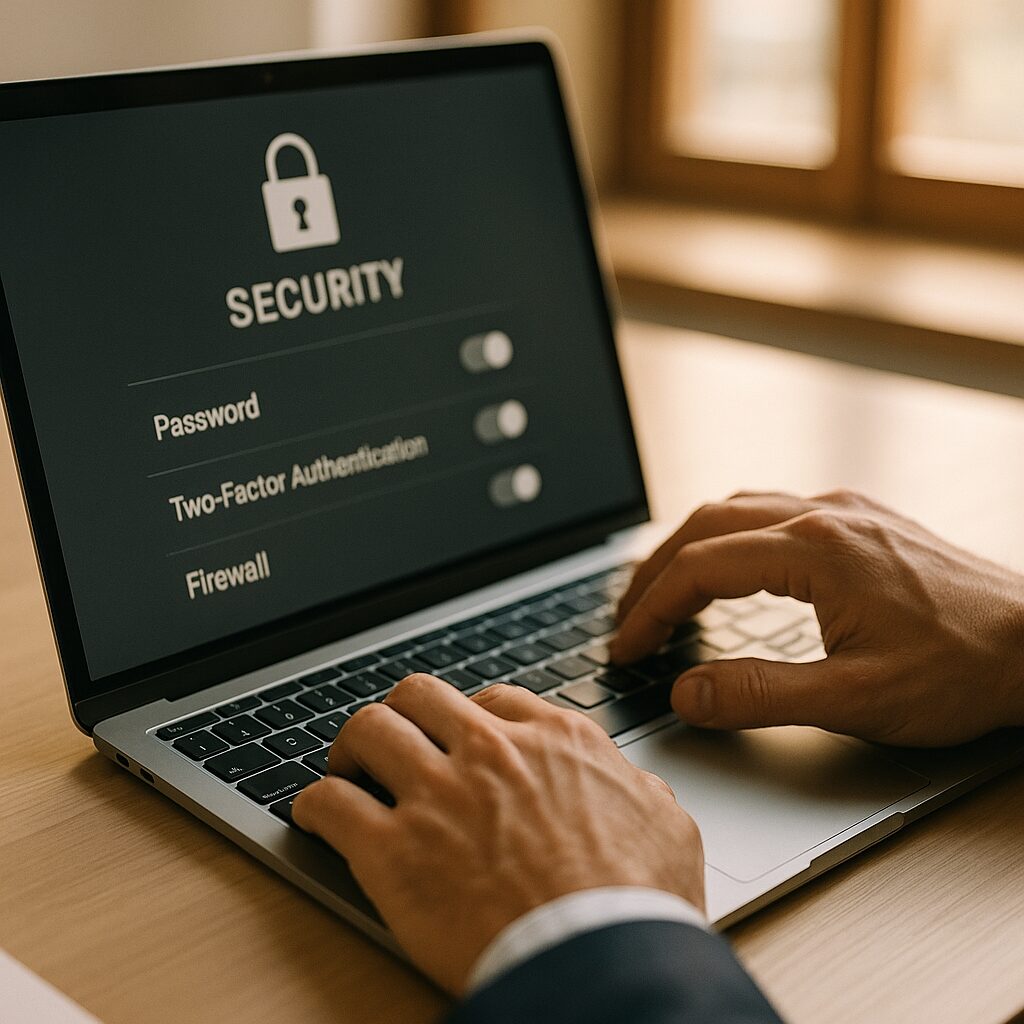
The first is multi-factor authentication on all accounts that allow remote access or hold sensitive data. This includes email, your accounting system, your CRM, and any remote desktop tools. MFA blocks credential-based attacks regardless of password strength. It costs nothing to enable on most platforms and prevents the attack method used in 23 percent of 2025 breaches.
The second is software patch management on a defined schedule. Unpatched vulnerabilities are the entry point in 32 percent of ransomware attacks. Patching operating systems, business applications, and network devices within 30 days of a security update eliminates the most actively exploited vulnerabilities before attackers can use them. This requires a calendar reminder, not a tool.
The third is offline, encrypted, tested backups. When ransomware encrypts your data, an offline backup is the difference between a two-day recovery and a six-month crisis. “Offline” means physically or logically disconnected from your main network so ransomware cannot reach it. “Tested” means you have confirmed in the last 90 days that the backup actually restores successfully.
The fourth is principle of least privilege for user accounts. Most employees should not have administrator access on their own computers or on shared systems. When an employee account is compromised through phishing, an attacker inherits whatever permissions that account holds. Limiting user privileges limits the blast radius of any individual compromise. Audit who has admin rights in your environment — the answer is usually more people than it should be.
The fifth is email filtering with attachment sandboxing. Phishing remains a primary attack vector. Modern email security tools — available through Microsoft 365 Defender, Google Workspace, or standalone solutions — analyze attachments in isolated environments before they reach employees. This doesn’t require enterprise IT. It requires enabling a feature that likely already exists in your email platform.
What Right-Sized IT Security Looks Like for a 25-100 Person Business
A business with 25 to 100 employees that has implemented the five controls above is meaningfully better protected than the majority of small businesses currently operating — and has done so without dedicated security staff or enterprise-grade tools. The remaining security investment should be proportional to business risk: what data do you hold, what would a 48-hour outage cost, and what does your industry require by regulation?
For most small businesses, the right answer is a managed IT services provider who handles patching, backup monitoring, and basic security hygiene on a predictable monthly cost — plus cyber liability insurance sized to your actual exposure. The combination of consistent operational execution and financial protection covers the majority of realistic attack scenarios without requiring in-house expertise.
The businesses that struggle most with security are those trying to implement enterprise programs at small-business resources. The right question is not “how do we match enterprise security?” It’s “how do we systematically eliminate the factors that put us in the 88 percent of SMBs targeted by ransomware, while keeping operations running and costs predictable?” The five controls above are the answer to that question.
What Business Leaders Should Do Next
- Audit MFA coverage this week. List every system your team accesses remotely or that holds financial or customer data. For each, confirm whether multi-factor authentication is enabled. Any system without MFA is an open credential attack surface. Enable it before your next billing cycle.
- Locate your most recent backup and test a file restore. Don’t assume your backup works — confirm it. If you can’t identify when your backup was last tested or where it’s stored, that’s the answer you needed. Address this in the next 30 days.
- Run a user permissions audit. Ask your IT provider or whoever manages your systems to produce a list of accounts with administrator privileges. Anyone who doesn’t need admin access for their specific role should have those privileges removed.
- Establish a monthly patching schedule. It doesn’t need to be automated. It needs to be consistent. The first Tuesday of each month is a reasonable cadence that aligns with Microsoft’s Patch Tuesday release cycle.
- Confirm your email security settings include attachment scanning. If you use Microsoft 365 or Google Workspace, contact your IT provider or check your admin settings to verify that attachment sandboxing is enabled. If it’s not, enabling it is typically a configuration change, not an additional purchase.